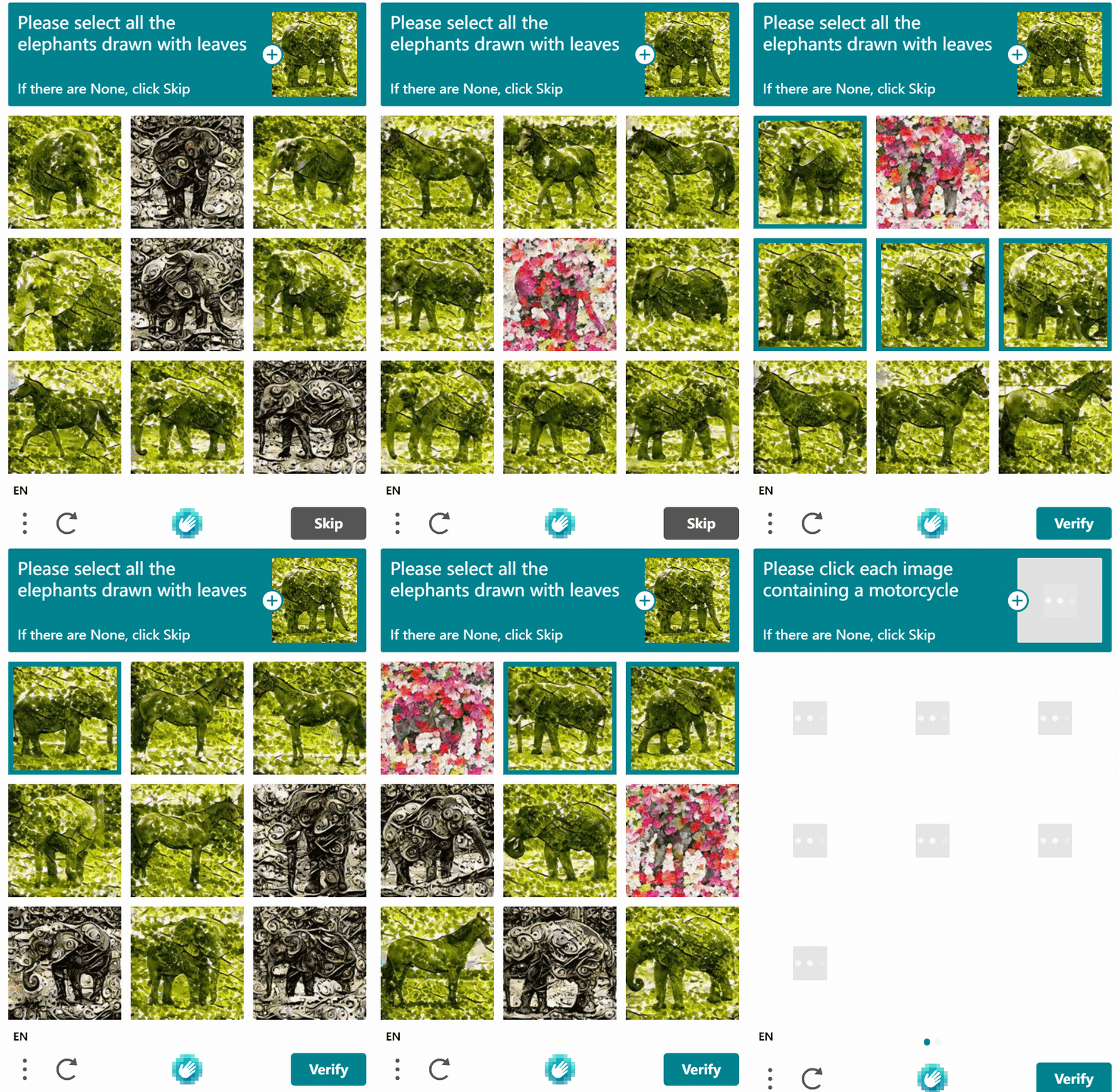
It seems this prompt and the seaplane prompt have appeared with higher frequency recently; they must have been deployed to the production environment.
So naturally, I had to tackle it. The dataset can be found here .
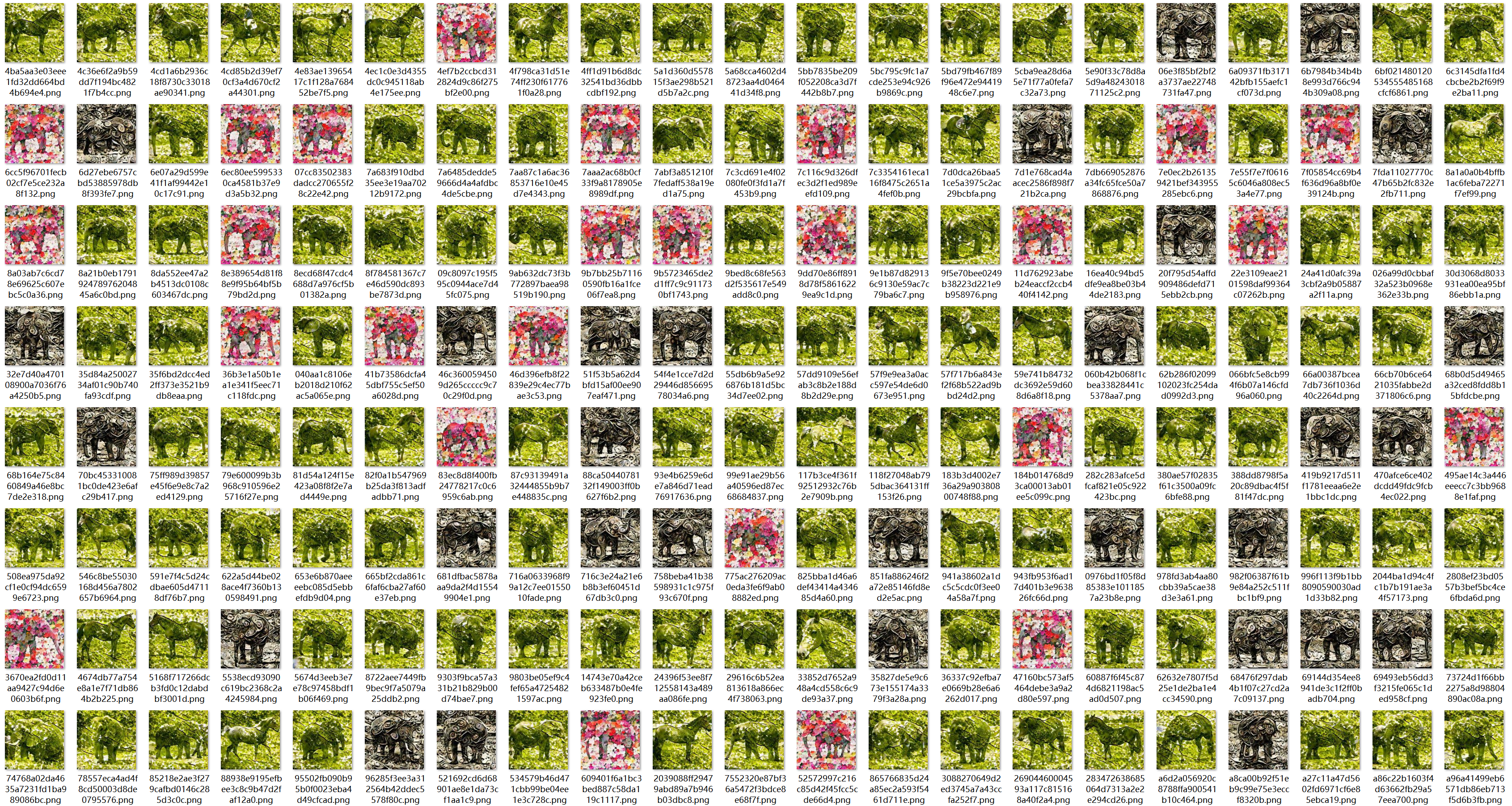
First, let’s analyze it. There are only three types in total: one made of leaves, one made of petals, and a third type made of some unknown metaphysical stuff that looks pitch black. Looking at the content composition, besides elephants, there are horses—it’s essentially a binary classification.
Actually, besides the prompt ["Please select all the elephants drawn with lеaves"], there is another similar one "Please select all the horses drawn with flowers"1, but I have almost never seen this prompt. I don’t know how the person who raised this issue managed to generate it. I think the bigger reason is that the perplexity of the flower images is too high, making them extremely hard to distinguish, which would greatly degrade the user experience. However, compared to humans extracting features, I feel machines can extract features much faster –.
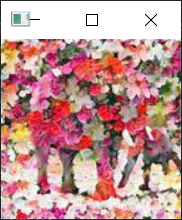
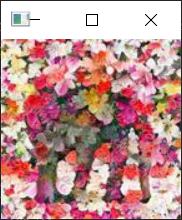
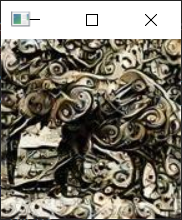
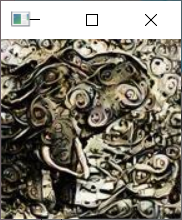
The approach is clear: first, the composition classification is as simple as it gets; we just need to extract the dominant color of the image. Here, I used kmeans for color clustering to extract the dominant color. I selected clustering centers k=3 to distinguish between bright and dark areas, so I assigned one center to each, leaving the third for the dominant color. This way, I only need to set a threshold to calculate the distance between the color and green. I chose 200, achieving a 100% discrimination accuracy.
| |
Distinguishing between elephants and horses is truly challenging, or maybe not challenging at all. Your image processing methods, such as further clustering or, like in the previous two blog posts [1]2[2]3, calculating weight or superpixel count, are quite difficult for this distinction. Since elephants and horses have similar volumes, and the ones below all have 5-6 support points (because elephants have trunks and tails, while horses have tails and mouths), it’s hard to tell them apart. To say it simply, isn’t this just "Dog vs Cat"? It’s merely an introductory image classification task in deep learning…
First, let’s label the data. We need to use that style of classifier to filter first, which will save us from labeling a lot of data.
| |
Design a simple ResNet model. There’s no need for a massive model like ResNet18; this problem doesn’t even warrant it, so I DIYed a very small model, and I even downscaled the images to (64 x 64), which significantly reduces the number of parameters.
Training and testing in one go.
| |
Here is an interesting part: initially, after training, I tested it and found the error rate was quite high, around 10%, which is almost unacceptable because there are only 9 CAPTCHA images in total, making it tricky. I thought it was overfitting (this should be the conventional approach, after all, the training set accuracy was nearly 100%), so I increased the learning rate and decreased the number of epochs, but no matter what I did, the error rate stayed around 5%. I was baffled; how could such a simple classification task perform so poorly? Later… I surprisingly increased the number of epochs, and found that the test set accuracy also reached nearly 100%. Finally, the overall error rate on the test set was around 1.8%, so I didn’t continue optimizing, and I was even too lazy to put the test data back into training.
Finally, the entire model parameters were saved as pt, which is only 311KB. If exported as onnx, it becomes 290KB.
Here I learned another trick: after exporting as onnx, I can directly use opencv for inference, which can greatly save resources in the deployment environment.
Solution: The complete code is below
| |