Voxel Pac-man
I came across Taichi’s voxel-challenge repository quite a while ago. Since I’ve always been a huge fan of pixel art, I naturally kept an eye on voxel art as well; for instance, I previously conducted a deep learning for pixel art1 survey on the topic. While casually browsing the repository, I stumbled upon an issue #1, which got me super excited to try it out myself. The code is available here, and it roughly looks like this:
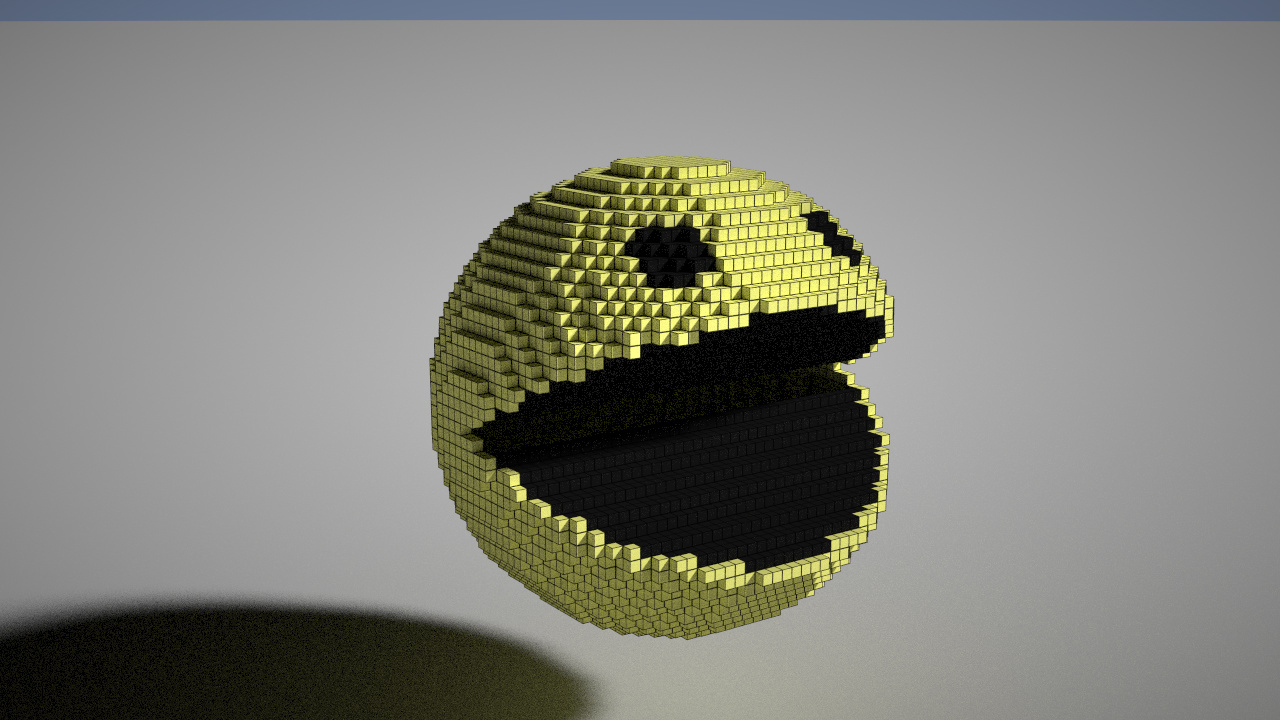
Of course, I later found out this was actually an internal beta (x), which explained why I couldn’t find any push notifications about this challenge on the official WeChat account for ages.
Once the official competition started, I tweaked the content, fine-tuned a few parameters to improve it, added some feed balls, and submitted this Voxel Pac-man. It now has a slightly more sophisticated look (x:
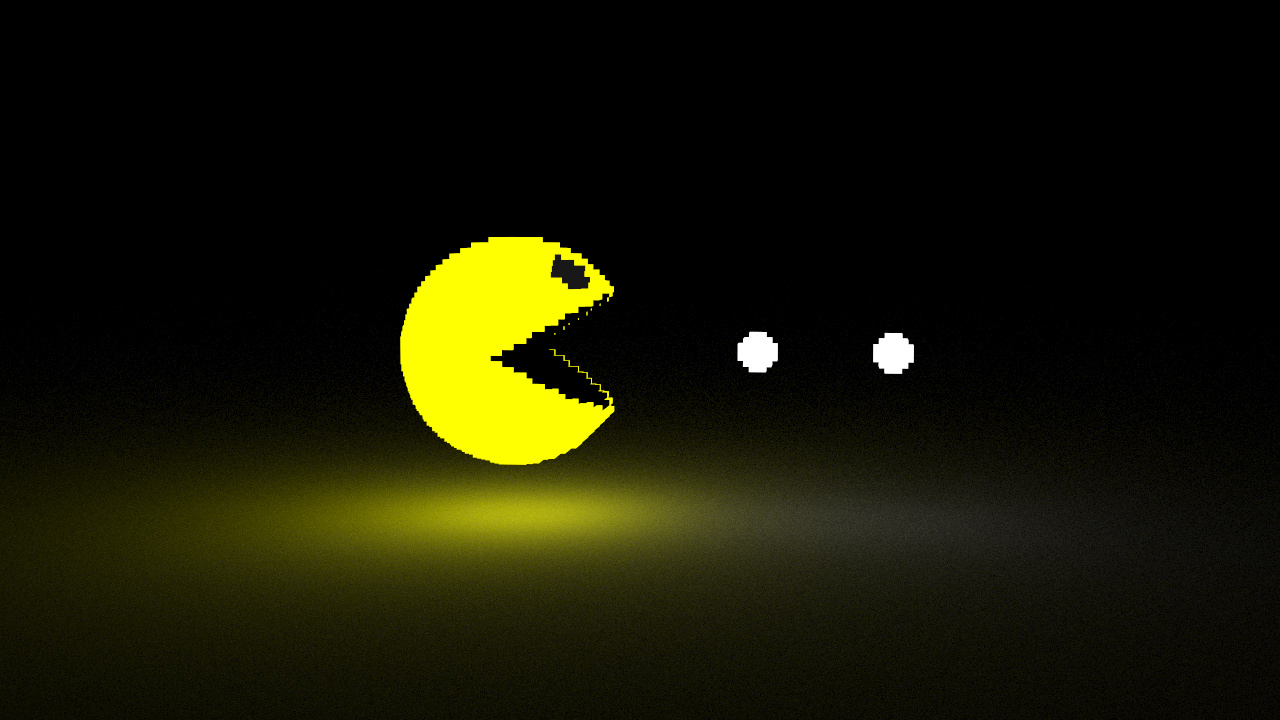
The code is about 96 lines long, and the overall logic is quite simple. First, let’s look at what pac-man consists of: there’s the entire spherical body, but with the mouth open, making it incomplete. The upper and lower parts of the mouth should be considered separate surfaces. Then there are the eyes, and finally, the feed balls.
I added a lot of customizable parameters at the beginning of the code for easy adjustment. n defines the size of the entire space. Since I hadn’t looked at the code myself at the time, I didn’t know the space limit was (-64,64), so I just made up a number. The rest involved setting the radius, center point, facing direction, and so on.
| |
The core logic is as follows: first, draw the skin surface by iterating through x, y, and z. If a point is inside the skin, we need to check if it falls within the mouth area. If it does, we skip drawing it; otherwise, we fill it with the skin color. How do we determine if a point is in the mouth? Looking from the side, if the projection of the point onto the central plane forms an angle with the direction of pac-man that falls within our mouth-opening angle range, then it’s part of the mouth. Finally, we draw the inside of the mouth. The logic is similar: first, ensure the point is inside the skin, then check if it’s within the mouth’s central area. If not, we draw it within a certain range above and below the open mouth. Since voxels might not be perfectly standard, we add some parameters to make it look more pleasing.
| |
Drawing the feed balls is relatively straightforward.
| |
However, after completing Voxel Fortress, I felt that the whole thing wasn’t that complex; it could probably be done in around 50 lines of code.
Let’s break down the entire pac-man: the surface is a sphere, the mouth is another internal sphere, the eyes are spheres, and the feed balls are also spheres. So, the main elements are all covered. How do we make the mouth open? Simply set the voxel of mat to 0, which effectively deletes it. Then, just insert a horizontal semi-cylinder into the mouth area, and it’s done!!
Voxel Fortress
Are there any voxel-based structures in reality? Besides LEGO, there are bricks! So, let’s build a fortress! (Maybe I’ll make a GW one later too!)
Building this fortress is incredibly simple: just take a cube, add a top cap, and add raised brick blocks on all four sides. One function does it all!
| |
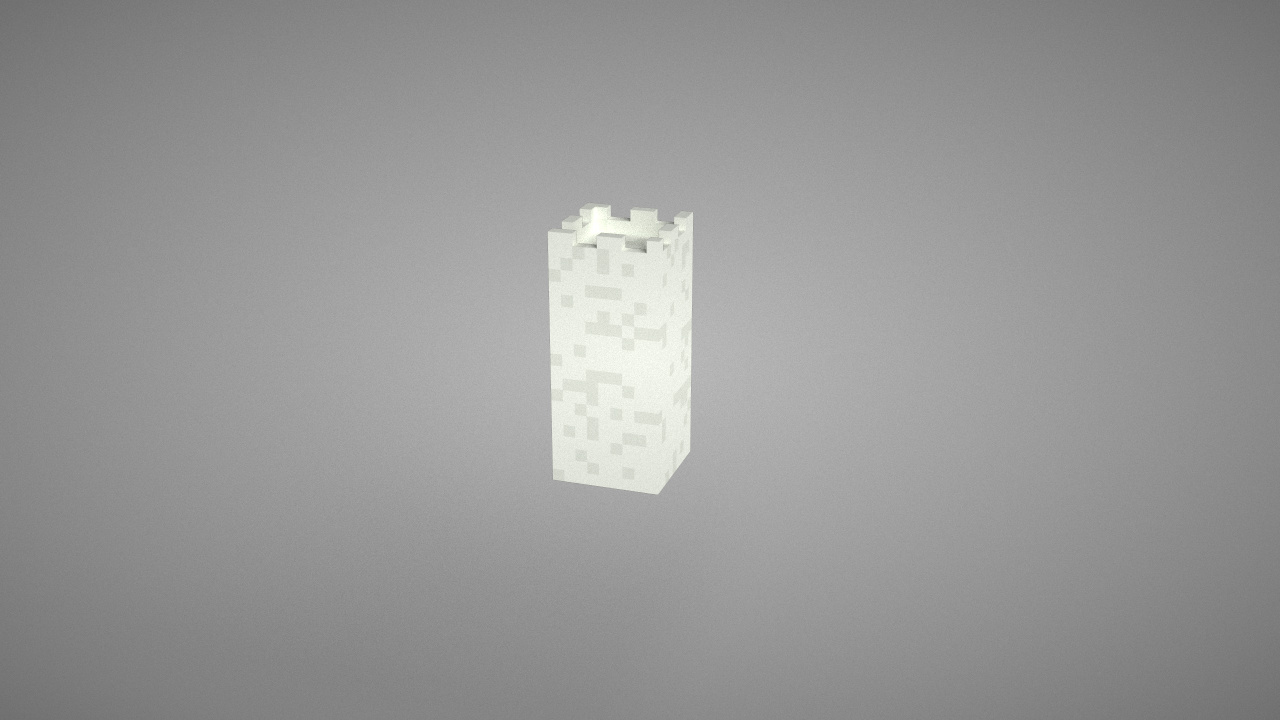
Then, we build one large central tower and four corner towers, and that’s it!
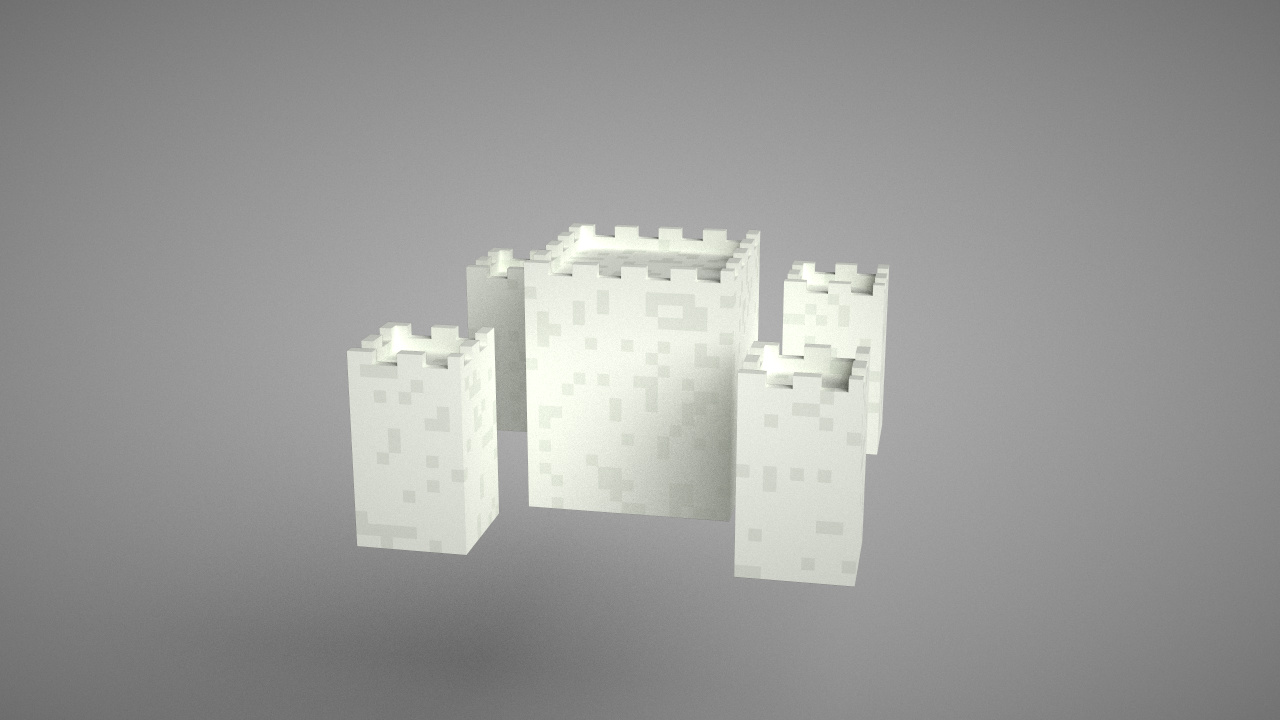
Next, we construct the surrounding walls to enclose the fortress. A wall is essentially just a block; we can create a rectangle by specifying the bottom-left and top-right vertices and filling the middle. Of course, the walls should be slightly lower than the corner towers.
| |
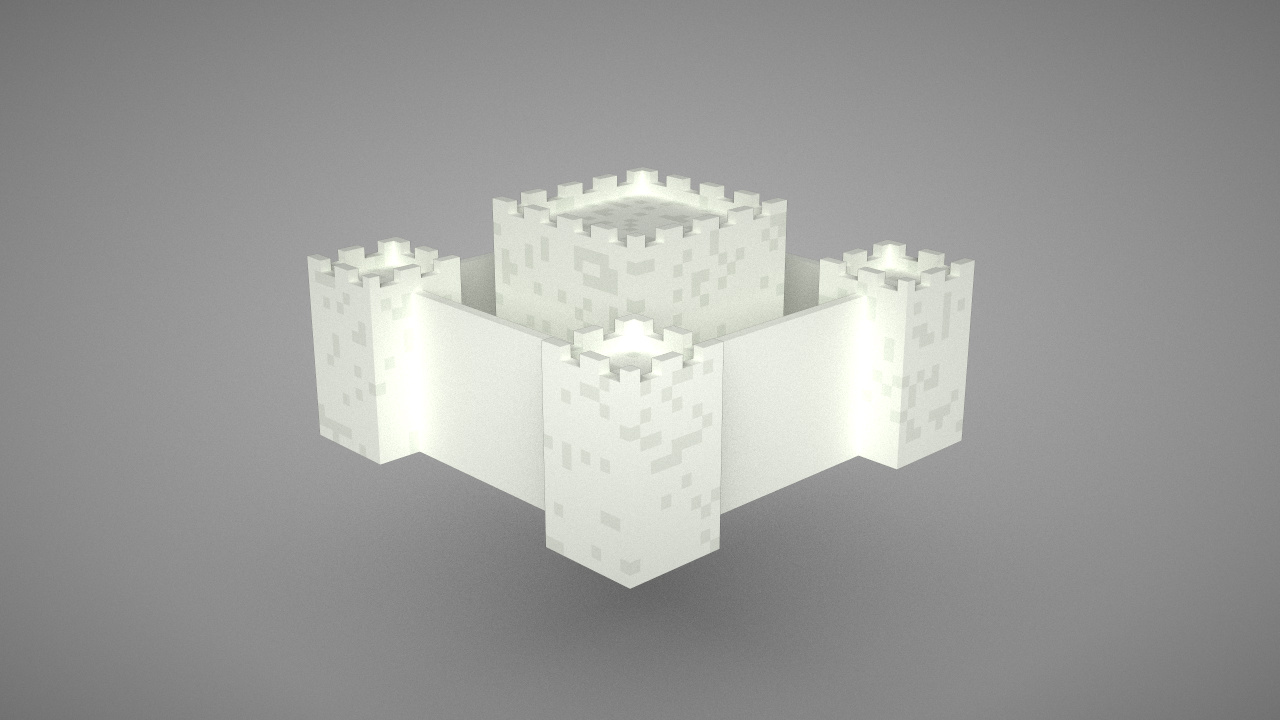
These walls look a bit fragile… like they’d crumble at the slightest touch. Let’s make them thicker and leave space in the middle for soldiers to stand guard. But we also need to protect the soldiers from being hit, so we build them just like the fortress! Originally, the fortress faces were square; by changing them to rectangles and adding length and width parameters, we can create thick, sturdy walls!
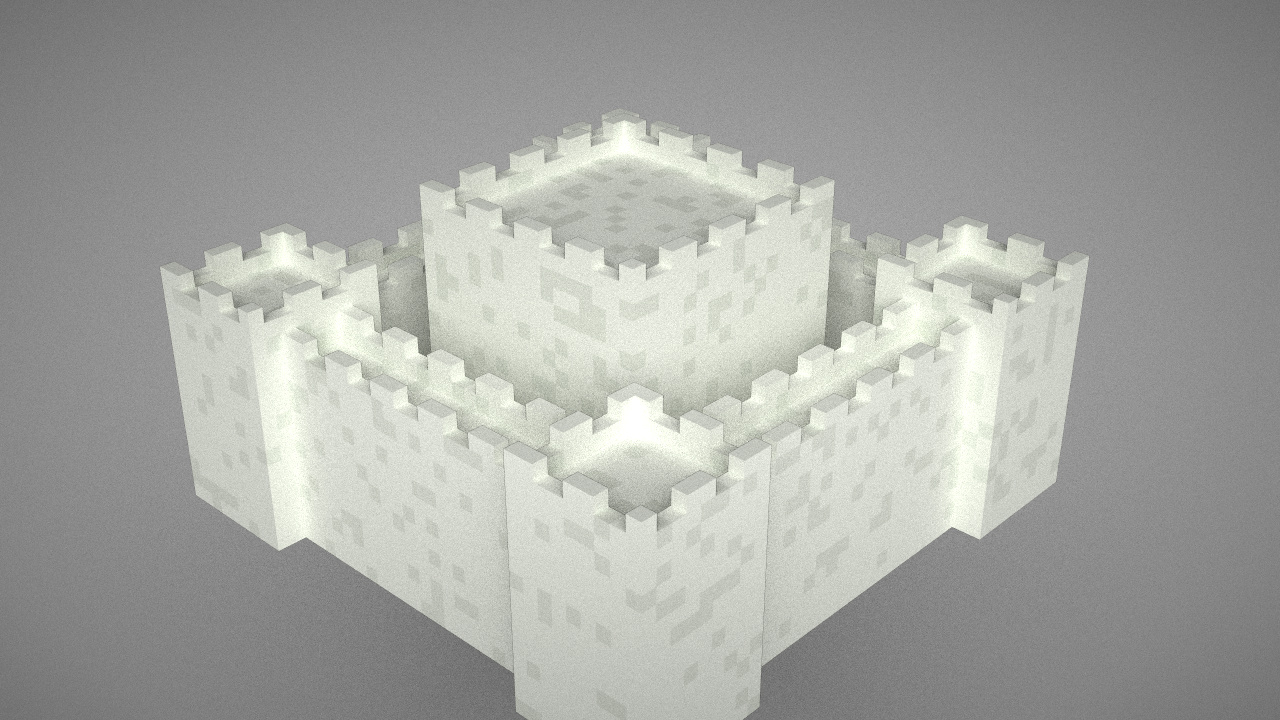
Now it really starts to feel like the real thing~
Let’s build a gate; otherwise, how would anyone get in? The gate consists of just a sector and a rectangle, so easy~ The door frame is simply a larger version of the gate.
| |
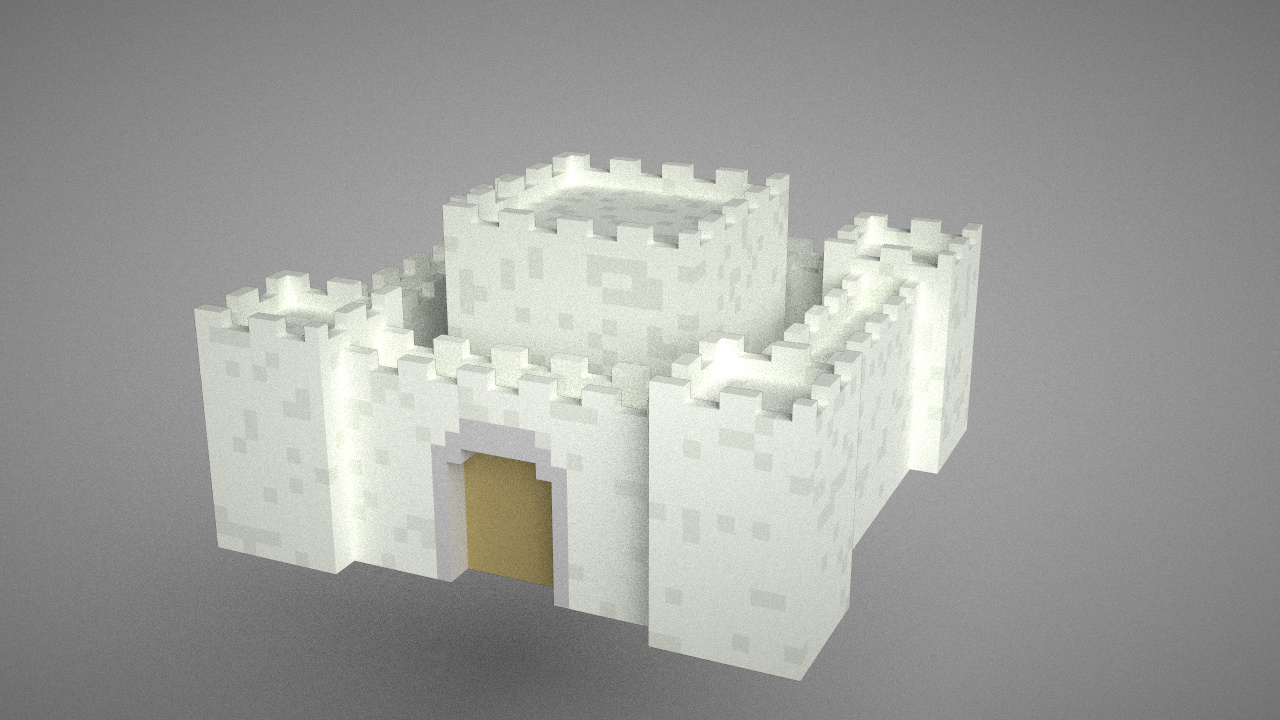
Looks pretty good. Let’s add some ground: a layer of dirt topped with grass, and a path leading up to the gate. Also, let’s add windows to the towers on both sides. This is basically just deleting a door.
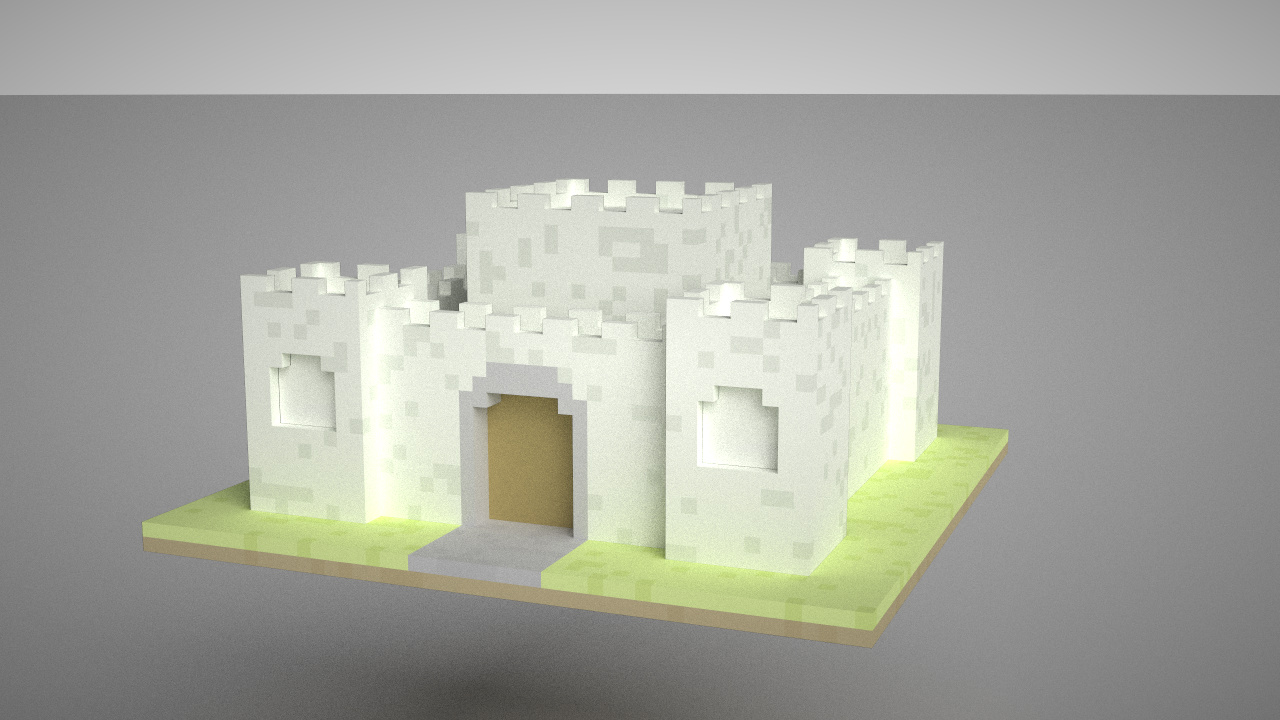
Injecting some soul!! Adding little torches!!
| |
Finally, add a tiny doorknob, and we’re done!
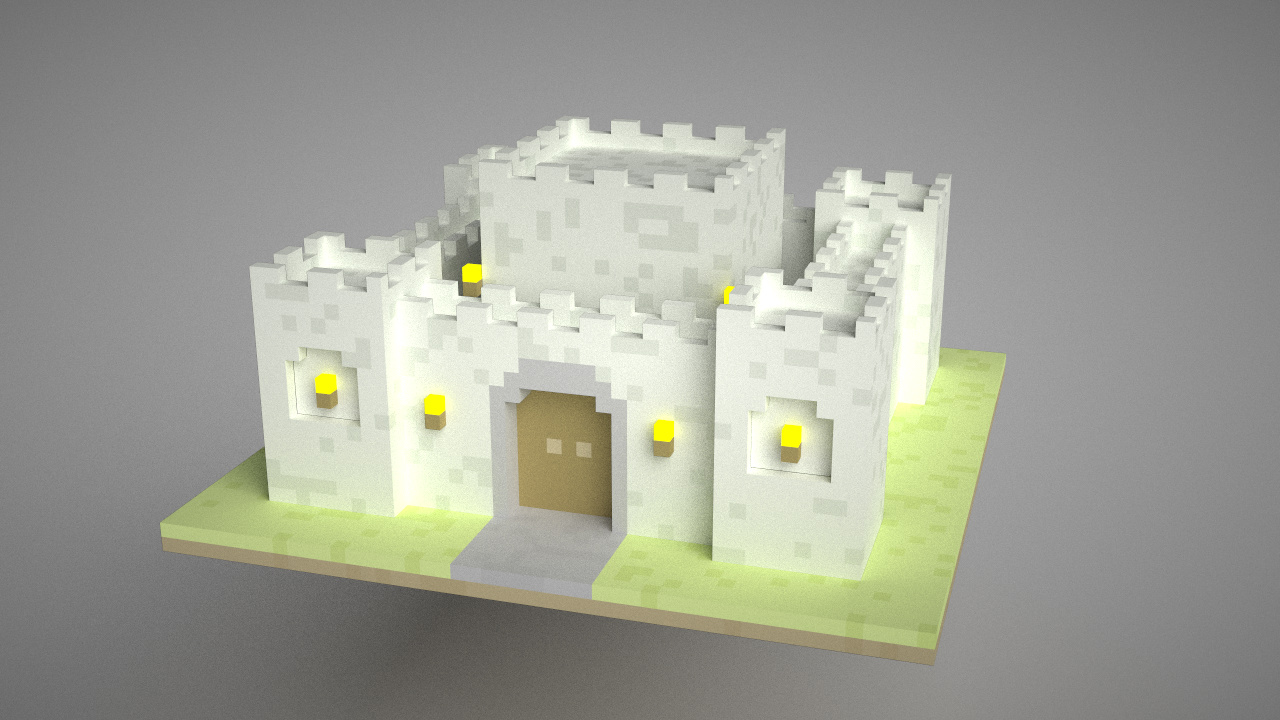
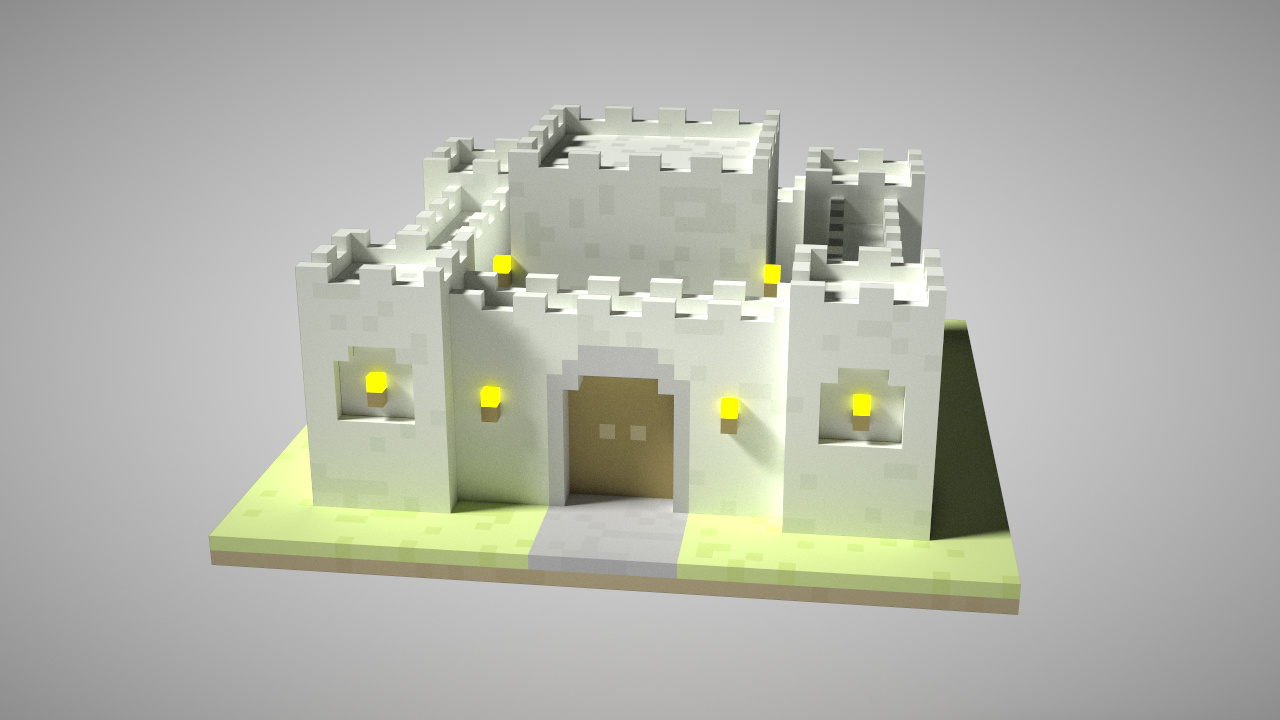
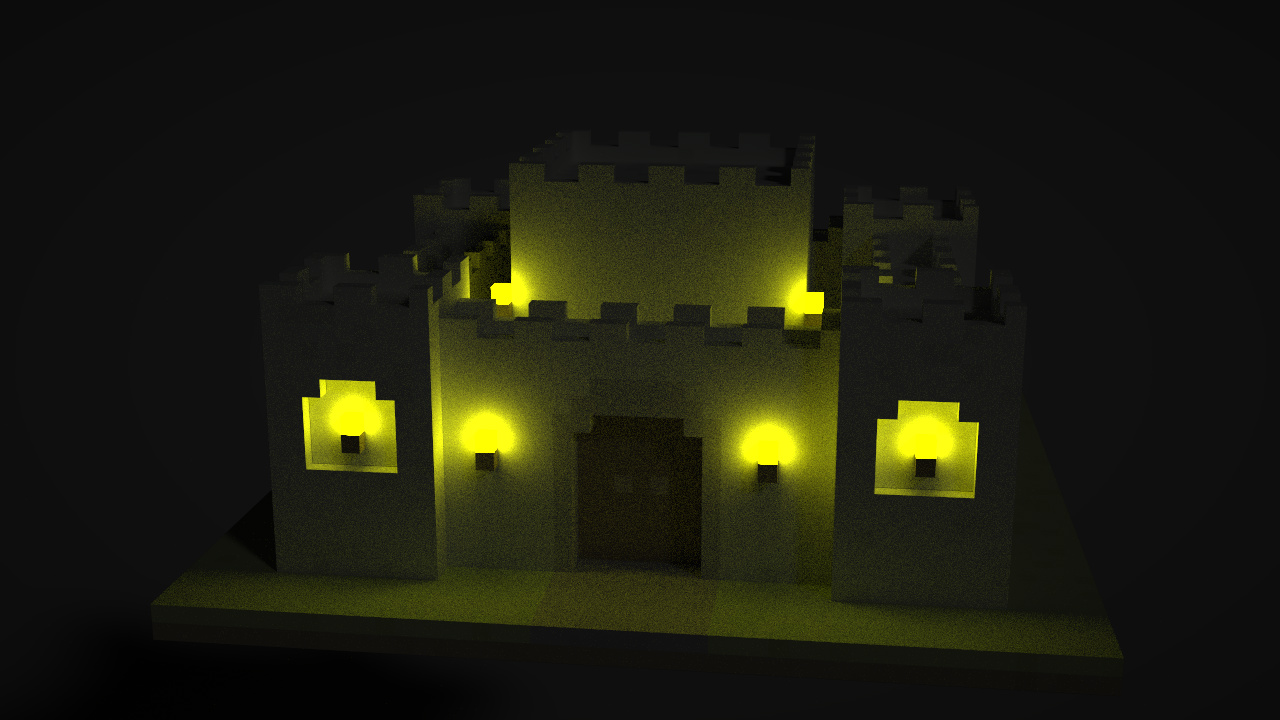
And last but not least, I optimized the lighting and exposure, and added a night mode.
Some other thoughts
Because I truly haven’t used Taichi in a long time. I previously watched the graphics course on Taichi on Bilibili, but unfortunately, I was busy with group meetings and various final-term courses back then, so I didn’t complete the major project at that time. I still feel a bit regretful about it. Fortunately, this time I have a chance to work on something I like and also get some hands-on practice! My code does have some areas that could be written better (mainly because I feel not yet fully proficient; many parts slightly conflict with common Python methods, so coding requires some mental shifts.